
Home›Deliverability & technical›Sender reputation
Sender reputation: the key factor in your deliverability
On this page
On this page
- What mailbox providers judge before even reading your email
- Domain reputation or IP reputation: which weighs more
- Dedicated IP or shared IP: a trade-off that commits you
- The signals that build or destroy your reputation
- Ramping up volume without breaking your reputation
- The tools for monitoring your reputation
- Rebuilding a damaged reputation
In brief: Sender reputation decides whether your emails land in the inbox or in spam. Mailbox providers recalculate it continuously from your complaints, your bounces and your contacts’ engagement. Here is how to measure it, protect it and rebuild it.
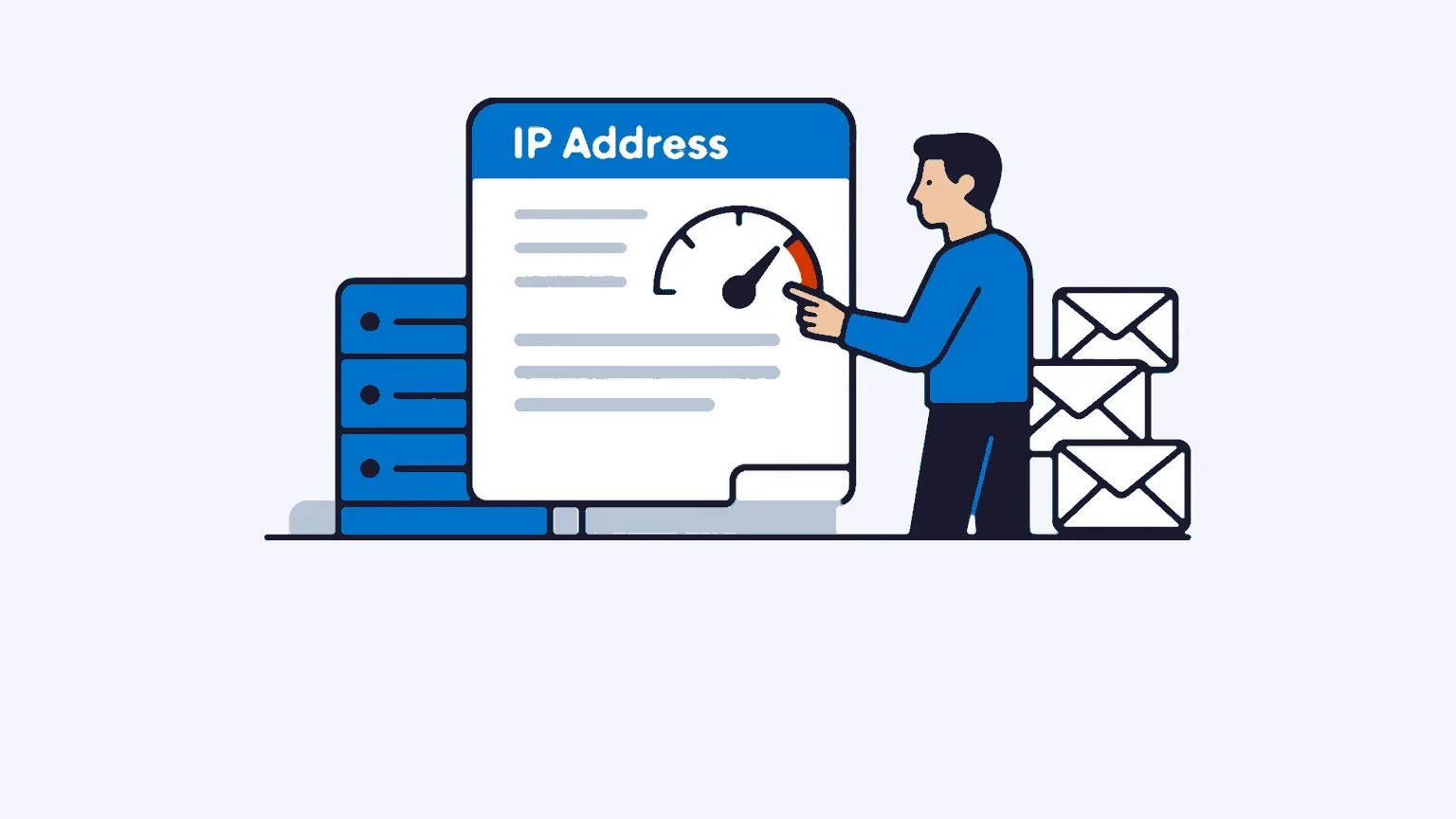
What mailbox providers judge before even reading your email
Before looking at the subject line or the content of a message, Gmail, Yahoo and Outlook ask a simple question: can this sender be trusted? The answer lies in an indicator that each mailbox provider calculates on its own side, the sender reputation. It is a trust score assigned to your domain and to the IP address that sends your campaigns. Validity, the publisher of the Sender Score, compares it to a credit score applied to senders. The image is apt: the cleaner your history, the more doors open.
This score carries weight. Google sets a complaint threshold never to be exceeded, 0.30%, and recommends staying below 0.10% for senders who send more than 5,000 messages a day to Gmail addresses (source: Google, Email sender guidelines, in force since February 2024). Yahoo applies exactly the same rules. Crossing these thresholds means seeing your campaigns tip en masse into the spam folder, whatever care has gone into the message.
In other words, optimising a subject line or polishing a visual is pointless if the reputation is poor. The message never reaches the recipient’s eyes. Reputation remains the first filter, the one that decides whether the rest counts. It is part of a broader approach that we detail in our complete guide to deliverability.
In B2B, the question is particularly acute. Volumes vary from one campaign to the next, lists mix cold contacts and loyal customers, and prospecting towards poorly engaged addresses puts reputation to a severe test. A consumer sender who sends a weekly newsletter to willing subscribers starts with an advantage that commercial prospecting does not have. All the more reason to treat your reputation as an asset, not as a technical setting you forget about after the first send.
Domain reputation or IP reputation: which weighs more
Two reputations coexist. That of your sending domain, and that of your IP address. For a long time, the IP dominated. Since the new Gmail and Yahoo requirements in 2024, and then Microsoft’s tightening in 2025, the balance has shifted towards the domain.
The logic holds. Your domain follows you everywhere, even if you change platform or IP. It carries your authentication and your sending history. The IP, on the other hand, remains a network address, easier to change, and therefore less representative of who you really are. Mailbox providers have understood this and now give more weight to domain reputation.
This shift makes authentication unavoidable. A domain correctly configured with SPF, DKIM and DMARC has a much better chance of reaching the inbox than an unauthenticated domain, Validity cites a factor of around 2.7. If these protocols seem obscure to you, take the time to configure SPF, DKIM and DMARC before any volume campaign. Without them, no domain reputation can be built.
Dedicated IP or shared IP: a trade-off that commits you
On a shared IP, you share your sending address with other senders. Their behaviour influences your deliverability. If one of them triggers complaints or gets blacklisted, the whole IP takes the hit, you included. You inherit a reputation you do not really control.
A dedicated IP solves this problem. Your reputation depends only on your own sends. In return, it requires regular volume and a gradual ramp-up to become established. For an occasional sender with very low volume, a shared IP remains defensible. As soon as campaigns become regular and strategic, a dedicated IP makes complete sense.
At Ediware, dedicated IPs are included from the PRO plan, where most solutions reserve them for their most expensive offers. For a serious B2B sender, this is a concrete deliverability lever: you build a reputation that belongs to you, without depending on your next-door neighbours.
The signals that build or destroy your reputation
Mailbox providers observe dozens of signals. A few weigh more than the others.
| Signal | What ISPs look at | Reference threshold |
|---|---|---|
| Spam complaints | Share of recipients who click “report as spam” | < 0.30% (aim for < 0.10%) |
| Bounce rate | Invalid or unreachable addresses | < 2% |
| Engagement | Opens, clicks, replies, reading time | As high as possible |
| Spam traps | Sends to trap addresses | Zero tolerated |
| Volume consistency | Sudden spikes after a period of inactivity | Stable volume |
The most underestimated remains engagement. An address that opens, clicks and replies sends a positive signal. Conversely, messages that are systematically ignored, read and then deleted within two seconds, degrade the score. Gmail measures these behaviours finely, well beyond the simple open rate.
List quality therefore plays a direct role. A list obtained without clear consent multiplies complaints and hits spam traps faster. It is also a question of security and compliance: a file collected by the rules protects both your reputation and your GDPR compliance. The two go hand in hand. A clean list means fewer complaints, hence a better score, hence better deliverability. The loop is virtuous, or vicious when list hygiene is neglected.
Ramping up volume without breaking your reputation
Launching 50,000 emails from a brand-new IP is guaranteed failure. Mailbox providers interpret this spike as spammer behaviour and filter everything. Ramping up, the “warm-up”, consists of increasing volume in stages to establish trust.
SendGrid, an industry reference, proposes a simple scheme: start with 50 emails on the first day, then double the volume on each sending day, until the target is reached in thirty to sixty days depending on volumes (source: Twilio SendGrid, Generic IP Warmup Schedule).
| Phase | Indicative volume | Priority targets |
|---|---|---|
| Week 1 | 50 to 500 / day | Contacts active in the last 30 days |
| Week 2 | 500 to 2,000 / day | Contacts active in the last 60 days |
| Weeks 3-4 | 2,000 to 10,000 / day | Contacts active in the last 90 days |
| Beyond | Target volume | Full qualified list |
In B2B, always start with your most engaged contacts. They are the ones who generate the opens and clicks your young IP needs to build its reputation. Then widen out to less active segments. Monitor your indicators throughout the phase: a spike in complaints or bounces is the signal to slow down. On the Outlook side, Microsoft’s SNDS tool colour-codes the health of your IP, green when fewer than 10% of your messages are filtered, red above 90%.
The tools for monitoring your reputation
You can only manage what you measure. Several free tools give a direct view of your reputation.
| Tool | Publisher | What it measures |
|---|---|---|
| Postmaster Tools | Domain and IP reputation on the Gmail side, spam rate | |
| Sender Score | Validity | IP reputation score from 0 to 100 |
| SNDS | Microsoft | IP health on the Outlook and Hotmail side |
| Reputation Center | Cisco Talos | IP and domain reputation score |
| Blocklists | Spamhaus | Presence on blacklists |
The Sender Score is read on a scale of 0 to 100, calculated on a thirty-day rolling average. Above 90, your reputation is excellent and your campaigns get through without friction. Between 80 and 90, practices remain healthy. Below 70, the zone becomes problematic and deliverability visibly deteriorates. It is not an absolute score, each mailbox provider keeps its own reading, but it gives a reliable benchmark for situating your IP reputation.
For the French market, Signal Spam deserves attention. This platform, born of a partnership between the CNIL, the French data protection authority, French ISPs and marketing professionals, collects reports and passes them on to operators. The complaints reported by Orange, SFR or La Poste directly feed the reputation these mailbox providers assign to you.
The right reflex: check Google Postmaster Tools every week. A reputation rarely deteriorates all at once. The graphs often alert you before the deliverability figures plunge, which leaves time to correct course.
Rebuilding a damaged reputation
A damaged reputation can be repaired, but it takes method and patience. Haste makes everything worse.
Start by identifying the cause. A spike in complaints? A flood of bounces after importing a dubious list? A blacklist listing? Check your status on Spamhaus and Cisco Talos. Then clean your list without hesitation: remove inactive addresses, hard bounces, contacts who have never opened a single message. Reduce your volume and restart a gradual ramp-up, targeting first your most loyal contacts, those who still open. Confirm that SPF, DKIM and DMARC are properly in place. Then monitor your indicators week after week.
The return to normal often takes several weeks. That is the price of a reputation, slow to build, quick to lose. Protecting it upstream will always cost less than rebuilding it in an emergency.
Related articles
Email deliverability rate: how to measure and improve it
Your deliverability rate counts emails accepted by servers, not those reaching the inbox. The formula, the measurement tools and a plan to raise it.
11 min read Deliverability & technicalQuishing: the QR code threat in emailing
Quishing is phishing by QR code: the malicious link hides inside an image, slips past classic anti-spam filters and puts your B2B deliverability at risk.
6 min read Deliverability & technicalEmail accessibility: 2025 compliance
The European Accessibility Act has applied since 28 June 2025. What it really changes for B2B senders, and how to bring your campaigns into compliance.
8 min read Deliverability & technicalMicrosoft tightens its email rules in 2025: what changes for B2B senders
Since 5 May 2025, Microsoft requires SPF, DKIM and DMARC from any domain sending over 5,000 emails a day to Outlook.com, Hotmail.com and Live.com.
9 min read