
Home›Deliverability & technical›Quishing
Quishing: the QR code threat in emailing
On this page
In brief: Quishing is phishing by QR code. The malicious link is hidden inside an image, which fools classic anti-spam filters. A security issue for your teams, but also a deliverability issue for your B2B campaigns that use legitimate QR codes.
What is quishing?
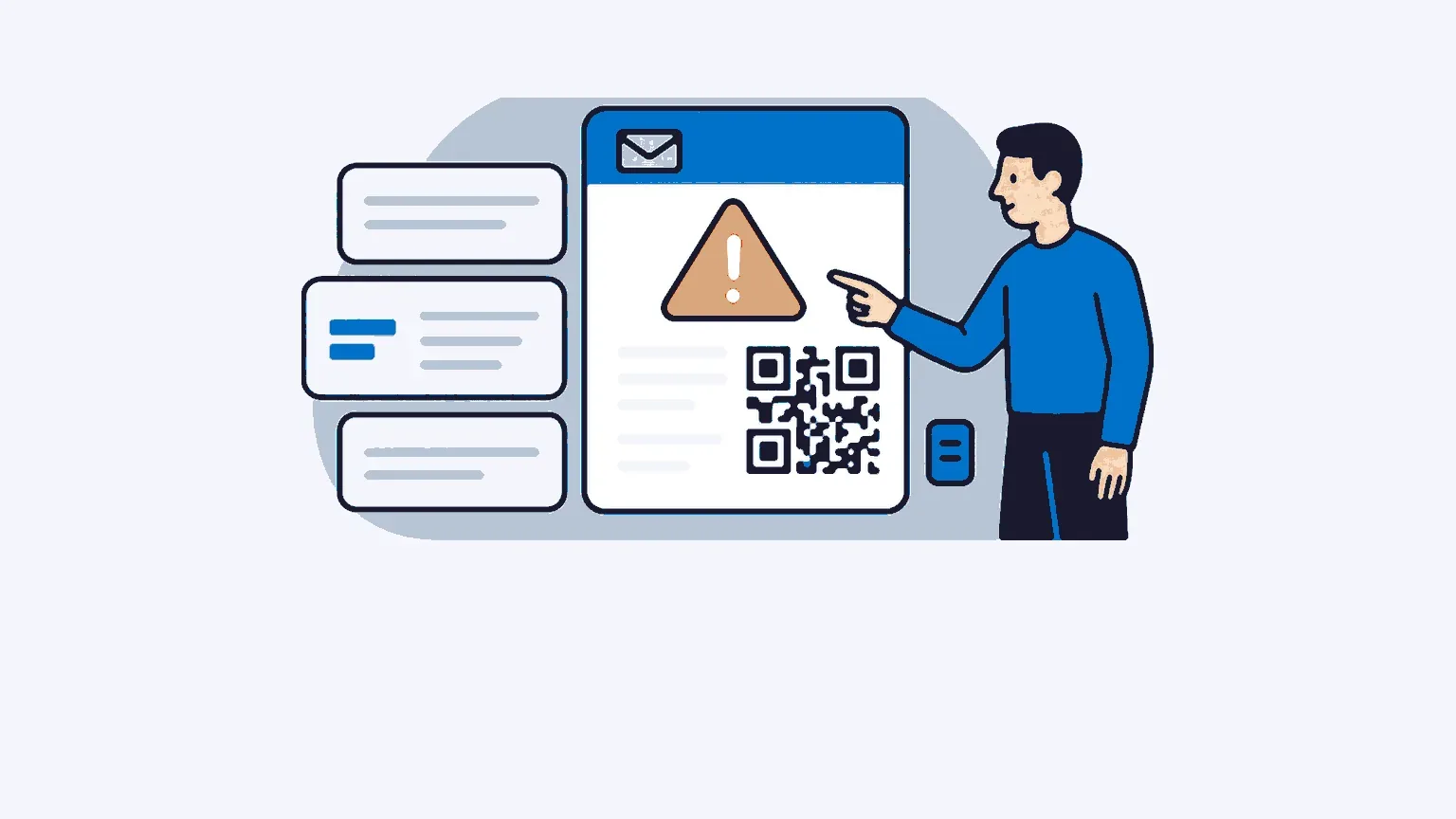
The word is a contraction of “QR code” and “phishing”. The principle is the same as classic phishing: lure the recipient to a fake page in order to steal their login details, bank details or professional access credentials. What changes is the vector. Instead of a clickable link, the email contains a QR code to be scanned with a smartphone.
Why the detour? Because a written link can be inspected. You hover over it, read the domain and spot the dubious URL. A QR code, on the other hand, completely hides its destination. There is no way of knowing where it leads until you have scanned it.
Cybermalveillance.gouv.fr, the French national victim assistance scheme, devotes a dedicated factsheet to this technique. Its assessment is measured: the threat remains marginal in France compared with classic link-based phishing, but it has been growing steadily since 2023. The documented scenarios speak for themselves. Fake Office 365 login confirmations, fake parcel delivery notices, fake HR documents inviting employees to scan a code to “update” their access. The professional world is a prime target, because the QR code has enjoyed a high level of trust there since the health crisis.
Why anti-spam filters let these emails through
A traditional anti-spam filter analyses text. It looks for suspicious words, compares URLs against blacklists and examines the reputation of the domains cited in the body of the message. But in a quishing email, the malicious link never appears in plain text. It is encoded in the pixels of an image. Lexical analysis sees nothing, and URL checking has nothing to check.
The figures reflect the effectiveness of the method. According to Egress’s Phishing Threat Trends reports, the share of malicious payloads relying on a QR code rose from 0.8% of phishing emails in 2021 to 12.4% in 2023. Cofense, for its part, measured a 331% year-on-year increase in reports of active threats linked to malicious QR codes in its 2024 email security report.
Attackers refine their technique as defences adapt. First development: moving the QR code from the body of the email to a PDF attachment, which is even more opaque to security gateways. Barracuda Networks identified more than 500,000 phishing emails using this method between mid-June and mid-September 2024. The brands impersonated in these campaigns? Microsoft and its SharePoint or OneDrive services in 51% of cases, DocuSign in 31%, Adobe in 15%. Second development, documented by the same vendor in 2025: QR codes split across two images or nested one inside the other, designed to fool the optical recognition engines that recent gateways have deployed precisely to counter the first wave.
Detection therefore requires image analysis, decoding of the QR code, and then verification of the resulting link in an isolated environment. A costly processing chain that many email infrastructures do not support natively.
How to recognise a quishing attempt?
Good news: the reflexes that work against classic phishing also work against its QR code variant. A few signals should raise the alarm.
The first is the very presence of a QR code in an email. The practice is counter-intuitive: you are already reading the message on a screen, so a simple link would do. Asking someone to take out their phone to scan their computer screen only makes sense for one specific reason: getting the recipient to leave the company’s secure perimeter. A personal smartphone often escapes the protections of the workstation.
Then come the great classics. An artificial sense of urgency, along the lines of “your account will be suspended within 24 hours”. A request to log back in to a service you already use. A sender whose domain does not exactly match the brand displayed. Cybermalveillance.gouv.fr recommends the same caution as for a link: check the plausibility of the request, and refrain at the slightest doubt. In a business setting, the right reflex is to go through a separate channel, typing the address of the service concerned yourself, rather than scanning the code you received.
Note that management functions attract a disproportionate share of these attacks. The credentials of an executive or a finance manager are worth far more than an ordinary account, and cybercriminals know it.
What quishing changes for legitimate B2B senders
This is the angle nobody talks about, and it directly concerns marketing teams. Faced with the rise of quishing, mailbox providers and security gateways are tightening their handling of all emails containing a QR code. Including yours.
An invitation to a trade show with an access QR code, an electronic ticket, an augmented business card in a signature: these perfectly legitimate uses get caught in a net designed for fraudsters. A commercial email carrying a QR code now sets off with a handicap. It undergoes enhanced analysis, sometimes a spell in quarantine, at worst classification as spam. Your email deliverability can suffer without any rule having been broken.
The other risk is reputational. Quishing campaigns massively impersonate major brands, as we have seen with Microsoft or DocuSign. But nothing stops a fraudster from using your domain name if it is not locked down. Every fraudulent email sent in your name erodes recipients’ trust and, in the long run, your domain’s reputation with mailbox providers.
QR codes in campaigns: best practices to preserve your deliverability
Should QR codes be banned from your B2B emails? No, but their use deserves some thought. Here are the rules we apply and recommend.
First, ask yourself whether it is relevant. In an email, a clickable link does the same job as a QR code, only better: it can be clicked directly, it can be tracked cleanly and it does not trigger enhanced anti-spam analysis. Reserve the QR code for cases where it brings real value, such as a ticket to be presented at the entrance to an event or a medium that will be printed.
Next, lock down your authentication. SPF, DKIM and DMARC with a strict policy prevent a third party from sending emails by spoofing your domain. This is your best protection against your brand being hijacked in quishing campaigns, and a strong signal of trust sent to mailbox providers.
Third rule: transparency. If you insert a QR code, clearly indicate the destination address next to it and offer an alternative link in plain text. The recipient knows where they are going, and so does the filter. Point the code to your own domain rather than to a generic URL shortener, which is often associated with abuse.
Finally, take care of what happens after the scan. The landing page sometimes collects contact data, which engages your responsibility for email data protection. Proportionate forms, clear notices, documented consent: the GDPR applies at the end of the QR code as it does everywhere else. This is, incidentally, a point on which a French platform offers a valuable guarantee. At Ediware, data hosting in France and Ediware data security are part of the platform’s foundation, not an option.
Quishing does not spell the end of QR codes in marketing. It simply imposes the same discipline as the rest of your campaigns: impeccable authentication, a transparent destination and respect for the recipient. Fraudsters exploit blind trust. Your best commercial asset remains trust that has been earned.
Related articles
Email deliverability rate: how to measure and improve it
Your deliverability rate counts emails accepted by servers, not those reaching the inbox. The formula, the measurement tools and a plan to raise it.
11 min read Deliverability & technicalEmail accessibility: 2025 compliance
The European Accessibility Act has applied since 28 June 2025. What it really changes for B2B senders, and how to bring your campaigns into compliance.
8 min read Deliverability & technicalSender reputation: the key factor in your deliverability
Sender reputation decides whether your emails land in the inbox or in spam: here is how to measure it, protect it and rebuild it when it has been damaged.
7 min read Deliverability & technicalMicrosoft tightens its email rules in 2025: what changes for B2B senders
Since 5 May 2025, Microsoft requires SPF, DKIM and DMARC from any domain sending over 5,000 emails a day to Outlook.com, Hotmail.com and Live.com.
9 min read