
Home›Deliverability & technical›Microsoft rules
Microsoft tightens its email rules in 2025: what changes for B2B senders
On this page
On this page
- Microsoft follows Gmail and Yahoo, sixteen months late
- What concretely changes on 5 May 2025
- Consumer Outlook.com and business Microsoft 365: not the same scope
- Why this affects French B2B senders first
- SNDS, the Microsoft tool too often ignored
- Dedicated or shared IP: what the new rules change
- The concrete roadmap for staying delivered at Microsoft
- FAQ — Microsoft and emailing in 2025
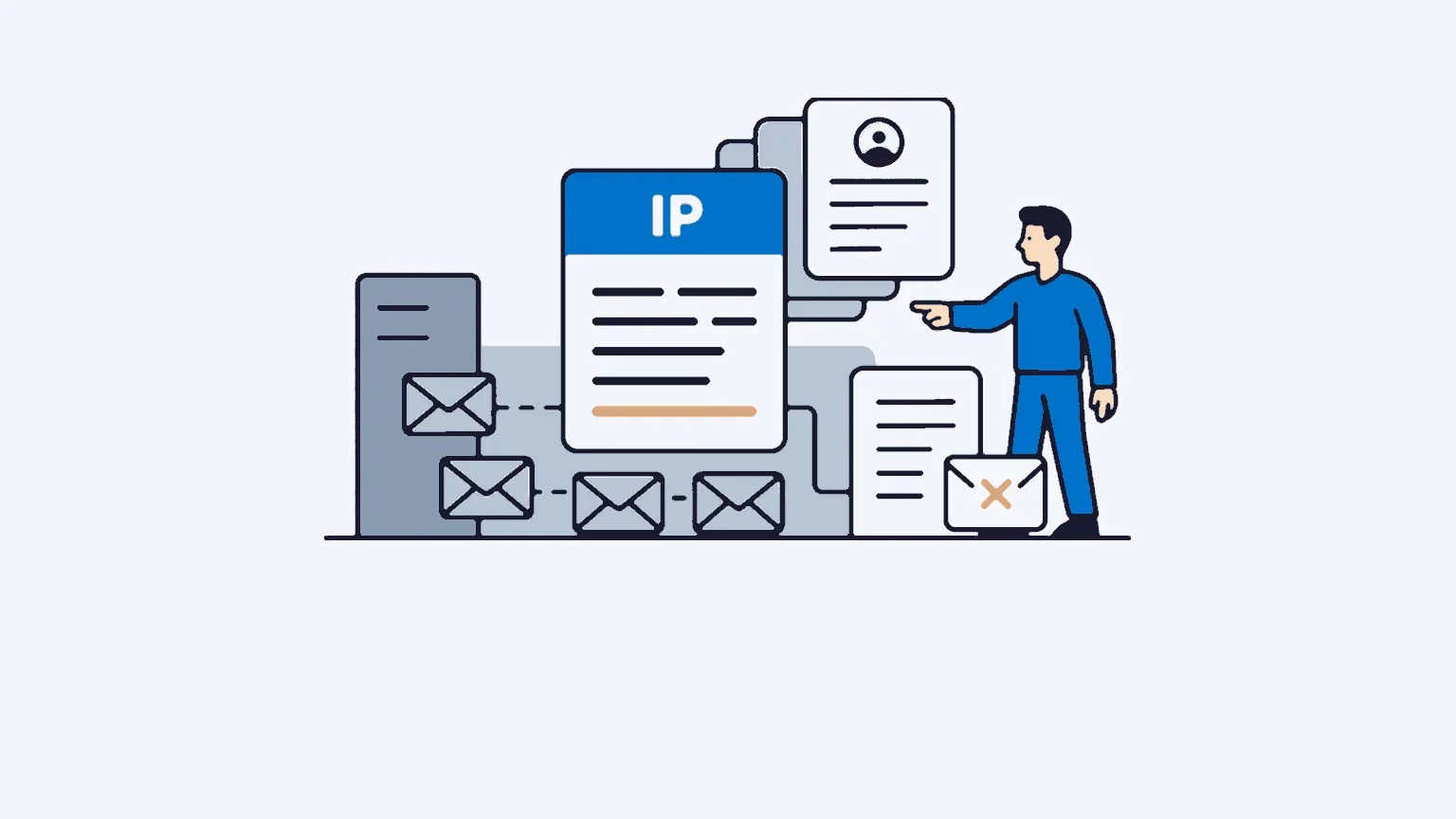
In brief: Since 5 May 2025, Microsoft has required SPF, DKIM and DMARC from any domain sending more than 5,000 emails per day to Outlook.com, Hotmail.com and Live.com. Non-compliant messages are rejected at SMTP level with code 550 5.7.515.
Microsoft follows Gmail and Yahoo, sixteen months late
In February 2024, Google and Yahoo set out their new requirements for bulk senders. Microsoft has finally fallen into line. On 2 April 2025, the Defender for Office 365 team published on Microsoft Tech Community the official announcement of tighter authentication rules for Outlook.com, Hotmail.com and Live.com. Effective 5 May 2025.
The gap in the calendar is significant. For more than a year, B2B routers had to manage two parallel sets of standards, with strict rules on the Gmail and Yahoo side (mandatory DMARC, RFC 8058 one-click unsubscribe) and a more tolerant framework on the Microsoft side. That asymmetry disappears, in part. Microsoft keeps a few notable differences, which we come back to further on.
On 29 April 2025, Microsoft strengthened its initial announcement: non-compliant emails would not simply be filtered to spam, but rejected at SMTP level. Immediate bounce, no second chance. That is more direct than Gmail’s start, which began with a phase of progressive filtering before tightening up.
What concretely changes on 5 May 2025
The 5,000 emails per day threshold
Microsoft applies the new rules to domains that send more than 5,000 emails per day to Outlook.com and related mailboxes: Hotmail.com, Live.com, as well as local variants such as live.fr, outlook.fr, hotmail.be or hotmail.it. The threshold is calculated per sending domain, not per IP address.
For a French B2B sender, this threshold is reached faster than you might think. A monthly campaign to a database of 100,000 contacts, 30% of them at Microsoft, crosses the bar in a few hours. And an automation programme that sends several thousand follow-ups every day can cross it without any prior warning.
SPF, DKIM and DMARC mandatory
Microsoft is not reinventing authentication: the list is well known, but it becomes an absolute prerequisite once the 5,000-email threshold is crossed.
| Protocol | Level required |
|---|---|
| SPF | Valid DNS record authorising the sending IPs and services |
| DKIM | DKIM signature aligned with the sender’s domain |
| DMARC | Published policy, minimum p=none, aligned with SPF or DKIM |
Microsoft recommends moving quickly to a p=quarantine or p=reject policy rather than staying at p=none. For the technical detail of each protocol and the set-up procedure, see our dedicated article on configuring SPF, DKIM and DMARC.
Immediate SMTP rejection (550 5.7.515)
This is the point that changes everything. Instead of progressive filtering (spam, then blocking), Microsoft directly rejects non-compliant emails with this code:
550 5.7.515 Access denied, sending domain [SendingDomain] does not meet the required authentication level
Practical consequence: the bounces show up immediately in your emailing platform’s statistics. No observation period, no margin for error. If your DNS records are misconfigured at the time of sending, the entire Microsoft target falls at once.
Note: error 5.7.515 concerns the authentication of the sending domain. There is no point purging the recipients concerned from your list; it is your technical settings that are the problem, not the validity of the addresses.
Consumer Outlook.com and business Microsoft 365: not the same scope
A frequent confusion muddies the reading of the announcement. The new rules target Outlook.com, Hotmail.com and Live.com mailboxes, that is, Microsoft’s consumer webmail. Not Microsoft 365 (formerly Office 365), which corresponds to business mailboxes hosted on Exchange Online.
This distinction matters. In B2B, your prospects are mostly on Microsoft 365 (companies equipped with the Office 365 suite), not on Outlook.com. Microsoft 365 has its own anti-spam filtering logic, more sensitive to IP reputation and to your domain’s history than to the mere presence of the three authentication protocols.
Do not let that lull you into a false sense of security, though. Outlook.com rules often end up aligning Microsoft 365 standards, sometimes with a delay. And a non-negligible share of your B2B contacts remains on Outlook.com: freelancers, very small businesses without a company domain, personal addresses of purchasing decision-makers. Compliance with the new rules therefore applies to your entire programme.
Why this affects French B2B senders first
The French professional fabric is heavily equipped with Microsoft 365. Most large companies and mid-sized firms have migrated to Exchange Online in recent years, and the Office 365 suite remains the norm in support functions. For a B2B software vendor, a consultancy or an agency prospecting this target, the weight of recipients on Microsoft infrastructure is massive.
Concretely: a B2B prospecting campaign aimed at marketing departments in France often has a large share of its contacts on domains hosted at Microsoft. If your domain’s authentication policy is not in order, you lose a good part of your audience at once, without prior warning. A single misconfigured send can be enough to break a domain reputation built over years.
The consequences for overall deliverability go beyond the Microsoft perimeter. A high bounce rate on a single operator affects the reputation score sent by your emailing platform, which in turn weighs on the other mailbox providers such as Gmail, Apple or Yahoo. To understand the technical levers that affect delivery, our B2B email deliverability guide details the mechanics.
SNDS, the Microsoft tool too often ignored
On the Google side, everyone knows Postmaster Tools. On the Microsoft side, the equivalent exists but remains largely under-used in France: it is SNDS, Smart Network Data Services.
SNDS works at IP level, not at domain level. That is its main difference from Postmaster Tools. For each IP sending to Microsoft mailboxes, SNDS returns:
- The sending volume observed
- The user complaint rate (spam reports)
- Presence on Microsoft blacklists
- Reputation status (Green, Yellow, Red)
Registration is manual and requires the IP to be confirmed with Microsoft. For senders on a shared IP, access is limited to the platform’s manager. For senders on a dedicated IP, registering with SNDS is a reflex to adopt from the IP warm-up onwards. It is a steering signal that usefully complements your router’s reports, especially in the first few weeks.
Dedicated or shared IP: what the new rules change
On a shared IP, your Microsoft reputation is shared with the other senders using the same IP. If one of them exceeds the threshold without proper authentication, the whole pool takes the 5.7.515 rejection. You pay for a neighbour’s non-compliance.
On a dedicated IP, your reputation is isolated. You control your compliance, your warm-up, your complaint rate. It is a variable you steer yourself. This explains why serious B2B emailing vendors include dedicated IPs in their offers from the entry level. At Ediware, a dedicated IP is delivered by default on all accounts, at no extra cost.
The new Microsoft rules strengthen the advantage of dedicated IPs. The more the ecosystem tightens its requirements, the more individual control of reputation becomes a deliverability lever, not a technical comfort.
The concrete roadmap for staying delivered at Microsoft
Four checks to run if you send more than 5,000 emails per day to Microsoft mailboxes.
- DNS audit: SPF published and complete (all IPs or routing services declared), DKIM configured and aligned, DMARC published at least at
p=none. Free verification tools: MXToolbox, dmarcian, DMARC Analyzer. - Check the From and Reply-To: a valid sender address, capable of receiving emails. Avoid
noreply@addresses that cannot receive; Microsoft penalises them. - Register with SNDS for your sending IPs (postmaster.live.com/snds), to be activated as soon as the IP starts.
- Visible and functional unsubscribe link in all marketing campaigns. RFC 8058 (one-click) is not mandatory at Microsoft, but it already is at Gmail and Yahoo: you might as well implement it once and for all, as our article on the Gmail and Yahoo rules 2024-2025 explains.
Once these four points are in place, monitor your bounces over the first week of sending. Code 5.7.515 is explicit and easy to filter in your emailing platform’s logs. If you see rejections rising, the problem comes from the DNS settings, not from the quality of your file.
FAQ — Microsoft and emailing in 2025
From how many emails per day do the Microsoft rules apply?
Above 5,000 emails per day sent to Outlook.com, Hotmail.com and Live.com mailboxes from the same sending domain. The threshold is calculated by Microsoft over a rolling 24 hours. Senders below this threshold remain subject to the usual anti-spam filtering checks, but do not trigger the automatic SMTP rejection.
What happens if my emails do not comply with the Outlook rules since 5 May 2025?
Your messages are rejected at SMTP level with the code 550 5.7.515 Access denied. No message lands in the spam folder: everything is blocked upstream. The bounce shows up immediately in your emailing platform. To restore the situation, you need to correct the DNS records of the sending domain, then run a test campaign after DNS propagation, generally 24 to 48 hours.
Do the Microsoft 2025 rules apply to transactional emails?
Yes. The SPF, DKIM and DMARC requirements apply to all outgoing emails above the 5,000 per day threshold, with no distinction between marketing and transactional. The main difference concerns the unsubscribe link, required for marketing campaigns but not for purely transactional emails (order confirmation, forgotten password, account alert).
How do they differ from the Gmail and Yahoo rules of 2024?
The technical requirements are close: SPF, DKIM, DMARC, the same threshold of 5,000 emails per day. Three differences to remember. Microsoft started sixteen months later. Microsoft applies immediate SMTP rejection from 5 May 2025, where Gmail had proceeded in progressive phases. And RFC 8058 one-click unsubscribe remains mandatory at Gmail and Yahoo, but only recommended at Microsoft.
Is RFC 8058 one-click unsubscribe mandatory at Microsoft?
No, not strictly speaking. Microsoft asks for a visible and functional unsubscribe link for marketing campaigns, without imposing the RFC 8058 technical format (List-Unsubscribe-Post header). That said, since Gmail and Yahoo have required it since 2024, implementing it in your emailing platform once and for all makes life easier and covers all three operators at the same time.
How do you monitor your sender reputation at Microsoft?
Through SNDS (Smart Network Data Services), available at postmaster.live.com/snds. For each sending IP, SNDS provides the volume, the complaint rate, presence on Microsoft blacklists and a Green, Yellow or Red reputation status. Registration is manual. Senders on a dedicated IP should activate it from the warm-up onwards. On a shared IP, monitoring is generally handled by the router.
How do you check that your domain is compliant before 5 May 2025?
Three quick checks. First, check the domain’s SPF, DKIM and DMARC records via MXToolbox or dmarcian. Then, send a test email to a mail-tester.com mailbox to get a detailed authentication score. Finally, look in the daily DMARC report to see whether all your sending sources (CRM, marketing automation, emailing platform, helpdesk) are properly aligned. A single misconfigured source is enough to push part of the traffic into rejection.
Related articles
Email deliverability rate: how to measure and improve it
Your deliverability rate counts emails accepted by servers, not those reaching the inbox. The formula, the measurement tools and a plan to raise it.
11 min read Deliverability & technicalQuishing: the QR code threat in emailing
Quishing is phishing by QR code: the malicious link hides inside an image, slips past classic anti-spam filters and puts your B2B deliverability at risk.
6 min read Deliverability & technicalEmail accessibility: 2025 compliance
The European Accessibility Act has applied since 28 June 2025. What it really changes for B2B senders, and how to bring your campaigns into compliance.
8 min read Deliverability & technicalSender reputation: the key factor in your deliverability
Sender reputation decides whether your emails land in the inbox or in spam: here is how to measure it, protect it and rebuild it when it has been damaged.
7 min read