
Home›Deliverability & technical›Email accessibility
Email accessibility: 2025 compliance
On this page
In brief: the European Accessibility Act has applied since 28 June 2025. For strictly B2B senders, the direct legal obligation remains limited, but an accessible email reaches more recipients and delivers better. Here is what really changes and how to bring your campaigns into compliance.
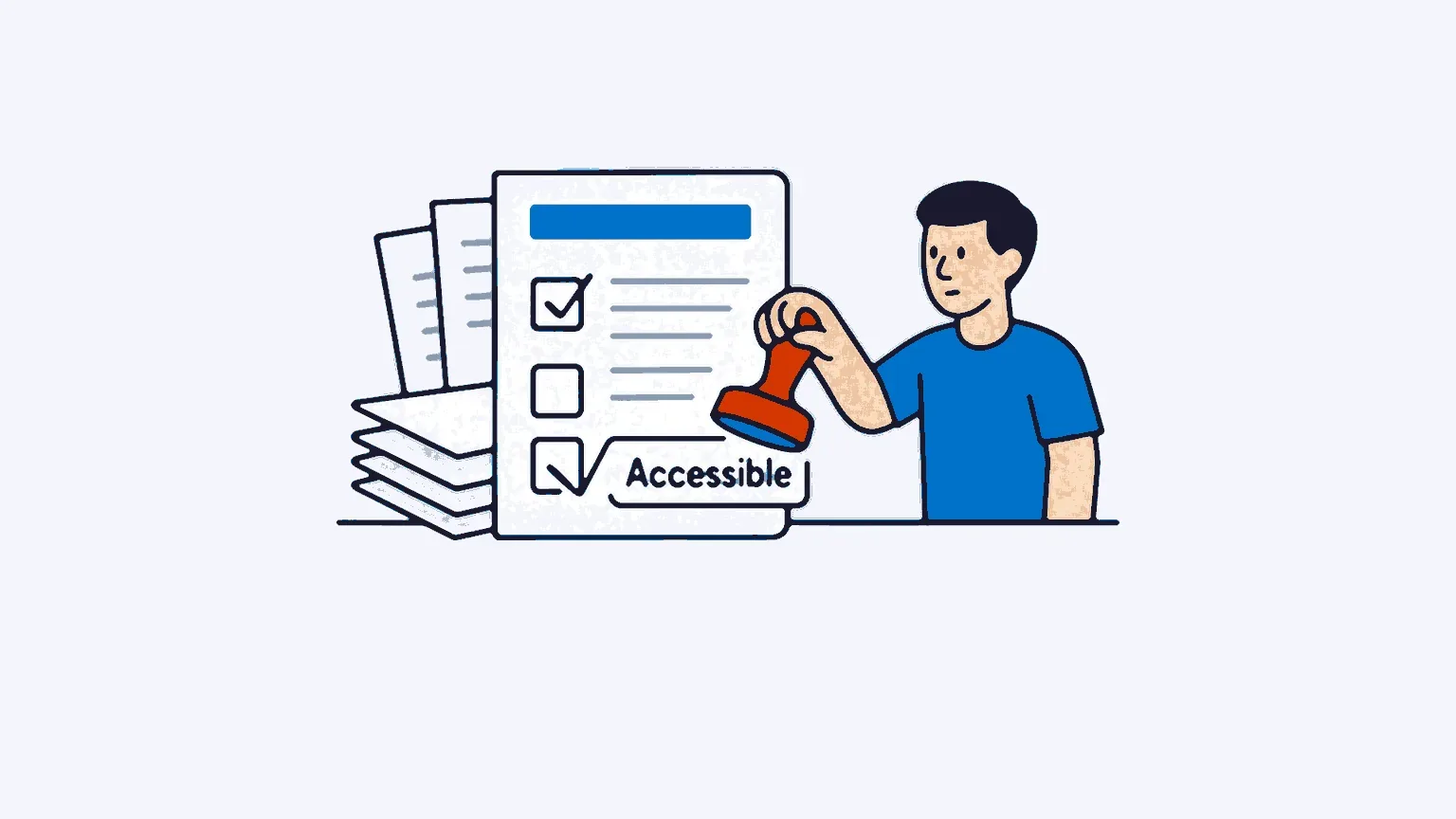
Email accessibility leaves the regulatory blind spot
For years, digital accessibility mainly concerned public websites and a few large platforms. Email slipped under the radar. That has no longer been the case since 28 June 2025, the date the European Accessibility Act, European Directive 2019/882 transposed into French law, came into application.
The subject goes far beyond the legal constraint. In Europe, nearly 87 million people live with a disability, according to the Council of the European Union (2024). In France, the DREES counts 14.5 million people reporting at least one severe functional limitation, or 28% of those aged 15 and over (2024 edition). Worldwide, the WHO estimates that one person in six is affected. These recipients open your campaigns, click, buy. Or give up, when the message remains inaccessible to them.
The gap with reality on the ground is striking. The Email Markup Consortium’s 2024 accessibility report analysed more than 409,000 emails: 99.97% contained errors classified as “critical” or “serious”. In other words, the accessible email remains the exception, not the rule. An enormous reservoir of progress, within reach of anyone willing to get started.
What the European Accessibility Act really requires
The EAA marks a real break. Previous texts targeted only the public sector. This time, the private sector joins in, at least for everything that touches the end consumer. Think of online retail, retail banking, telecoms, passenger transport, e-books or audiovisual media.
What must these players do? Align themselves with standards already well known elsewhere, WCAG 2.1 level AA, supplemented by the European standard EN 301 549. Nothing revolutionary on the technical front, then. France transposed the whole thing through ordinance 2023-859 of September 2023, entrusting supervision to three authorities depending on the field: ARCOM, ARCEP and the DGCCRF.
Two useful safeguards remain to bear in mind. Very small organisations escape the obligation when they employ fewer than 10 people and have a turnover of 2 million euros or less, provided they tick both boxes. And for services already on the market before June 2025, a transition window runs until 28 June 2030.
As for penalties, France has set the bar at a €50,000 fine per non-compliant service, with a possible supplement when declaration obligations are not met. You will sometimes come across far more spectacular figures online, but they come from foreign texts. The ceiling that really concerns you is indeed this €50,000 per service.
Are your B2B emails really affected?
This is the awkward question, and most articles dodge it. The answer deserves to be precise, because it determines your priorities.
Strictly B2B services do not fall within the direct scope of the EAA. The directive targets consumers, not exchanges between professionals. A B2B newsletter, a cold prospecting campaign aimed at companies, a relationship email between partners: none of this is directly constrained by the text.
That does not put you out of the game, however, and for three reasons.
First, your transactional emails attached to a covered service can fall within the scope of the directive. An order confirmation, an invoice, a password reset linked to an e-commerce or banking activity come under a B2C service, and therefore under the EAA.
Second, if you publish a SaaS platform or an online service used by customers who, in turn, address consumers, your tool must enable those customers to remain compliant. Responsibility is shared between the provider and the sender.
Third, and this is the simplest to understand: among your professional targets, a significant proportion of decision-makers and buyers live with a disability. An email they cannot read is a lost business opportunity, regardless of any legal obligation. The logic is the same as for GDPR compliance in emailing: anticipating is better than enduring a framework that tightens year after year.
An accessible email is also an email that delivers better
Here is the angle that almost nobody covers in France, and yet it should motivate marketing teams well beyond the fear of the regulator.
Accessibility best practices overlap very largely with the signals that favour email deliverability. A well-structured message, with a clean text version, a balanced text-to-image ratio and explicit links, is better interpreted by filters. An email readable by everyone generates more engagement, fewer unsubscribes and above all fewer spam reports. And these behavioural signals weigh heavily in the reputation of your sending domain.
The mechanism is logical. A recipient who cannot manage to read your message does not click, unsubscribes or marks you as junk. Repeated across an entire database, this behaviour degrades your inbox placement. Accessibility then becomes a performance lever, not just a box for the lawyer to tick.
The concrete rules of an accessible email
Making an email accessible does not require reinventing everything. A few technical principles cover the vast majority of cases. The table below summarises the points to check as a priority.
| Element | Best practice | Why |
|---|---|---|
| HTML structure | lang and dir attributes on the body, a single <h1>, consistent heading hierarchy |
Screen readers rely on semantics to navigate |
| Layout tables | Add role="presentation" |
Prevents the screen reader from announcing a false data structure |
| Images | Descriptive alternative text (alt) on every meaningful image |
The content remains understandable with images disabled |
| Contrast | Respect the WCAG AA ratio (4.5:1 for body text) | The most frequent accessibility error on the web |
| Typography | 14 px minimum on desktop, 16 px on mobile, 1.5 line spacing | Readability for visual and cognitive impairments |
| Links | Explicit anchors, never “click here” | Links listed out of context must remain understandable |
| Touch targets | Buttons at least 48 px on each side | Comfort for motor impairments and mobile use |
| Dark mode | Plan for dark mode rendering | A significant share of opens happens in dark mode |
Alternative text and contrast deserve particular attention. The WebAIM Million 2025 study, which examined one million web pages, places insufficient contrast at the top of the problems encountered, on 79.1% of the pages analysed. Missing alternative text follows closely behind. These two points, easy to fix, offer the best effort-to-result ratio.
The mobile stake is central. According to the WebAIM Screen Reader Survey #10 (2024), 91.3% of screen reader users use them on mobile. An email designed for the small screen, with a responsive email editor that natively handles semantic structure, starts with a head start on this ground.
Building your compliance plan
Moving from theory to genuinely accessible campaigns requires a method. There is no need to aim for perfection from the first send. Proceed in stages.
Start with an audit of what exists. Run your current templates through a dedicated analysis tool to measure the gap. Solutions such as Parcel, WAVE or the checkers built into testing platforms quickly identify the most serious errors.
Then prioritise. Your transactional emails and your high-volume campaigns come first, because they reach the most people and carry the highest regulatory risk. One-off or internal sends can wait.
Fix at template level, not in isolated sends. An accessible template propagates its best practices to every campaign that inherits from it. This is the most effective leverage point: a few well-designed templates are worth more than a thousand manual corrections.
Finally, establish a systematic check. Before every important send, a quick test with a screen reader such as NVDA or JAWS, which dominate the desktop market, will tell you what a user with a disability actually perceives. This control step, built into your process, prevents regressions from one campaign to the next.
FAQ
Does the European Accessibility Act apply to B2B emails?
Not directly. The EAA targets services provided to consumers. Strictly B2B communications remain outside its legal scope. However, your transactional emails linked to a B2C service, or a platform you make available to B2C customers, may be subject to it.
What are the penalties for non-compliance in France?
The French transposition provides for administrative fines of up to €50,000 per non-compliant service, imposed by the sector authorities (ARCOM, ARCEP, DGCCRF). Additional amounts apply in the event of failure to meet declaration obligations.
What is the difference between the RGAA and the European Accessibility Act?
The RGAA is the French reference framework, derived from the WCAG, historically intended for the public sector. The EAA is the European directive that extends accessibility to the private sector and to consumer services. Both rely on the same underlying technical standards, the WCAG.
Must transactional emails be accessible?
Yes, as soon as they depend on a covered service, typically e-commerce or banking. An order acknowledgement or a password reset link is part of the service sold to the consumer. It therefore inherits the same requirements as the rest.
Are micro-enterprises affected?
An exemption exists, but it is narrow. You must employ fewer than 10 people and stay below 2 million euros in turnover, both at the same time. Exceed either of these thresholds, and you come under the common rules.
How do you test the accessibility of an email?
Combine two approaches. Automated tools (Parcel, WAVE, checkers built into testing platforms) detect structure and contrast errors. A manual test with a screen reader such as NVDA or JAWS reveals the real experience of a blind user.
Related articles
Email deliverability rate: how to measure and improve it
Your deliverability rate counts emails accepted by servers, not those reaching the inbox. The formula, the measurement tools and a plan to raise it.
11 min read Deliverability & technicalQuishing: the QR code threat in emailing
Quishing is phishing by QR code: the malicious link hides inside an image, slips past classic anti-spam filters and puts your B2B deliverability at risk.
6 min read Deliverability & technicalSender reputation: the key factor in your deliverability
Sender reputation decides whether your emails land in the inbox or in spam: here is how to measure it, protect it and rebuild it when it has been damaged.
7 min read Deliverability & technicalMicrosoft tightens its email rules in 2025: what changes for B2B senders
Since 5 May 2025, Microsoft requires SPF, DKIM and DMARC from any domain sending over 5,000 emails a day to Outlook.com, Hotmail.com and Live.com.
9 min read