
Home›B2B email marketing›CRM and B2B emailing
CRM and B2B emailing: the essential integration
On this page
On this page
- A CRM and an emailing tool do not do the same job
- Two databases that ignore each other cost a lot
- What synchronisation changes in concrete terms
- Triggering the right email at the right moment of the sales cycle
- Three ways to connect your CRM to your emailing platform
- Synchronisation, a condition of your GDPR compliance
- Succeeding with your integration without building a monster
- Frequently asked questions
In brief: connecting your CRM to your emailing platform means no longer working with two databases that ignore each other. Synchronisation enriches segmentation, triggers the right messages at the right moment of the sales cycle and secures GDPR compliance. A performance lever still under-used in B2B.
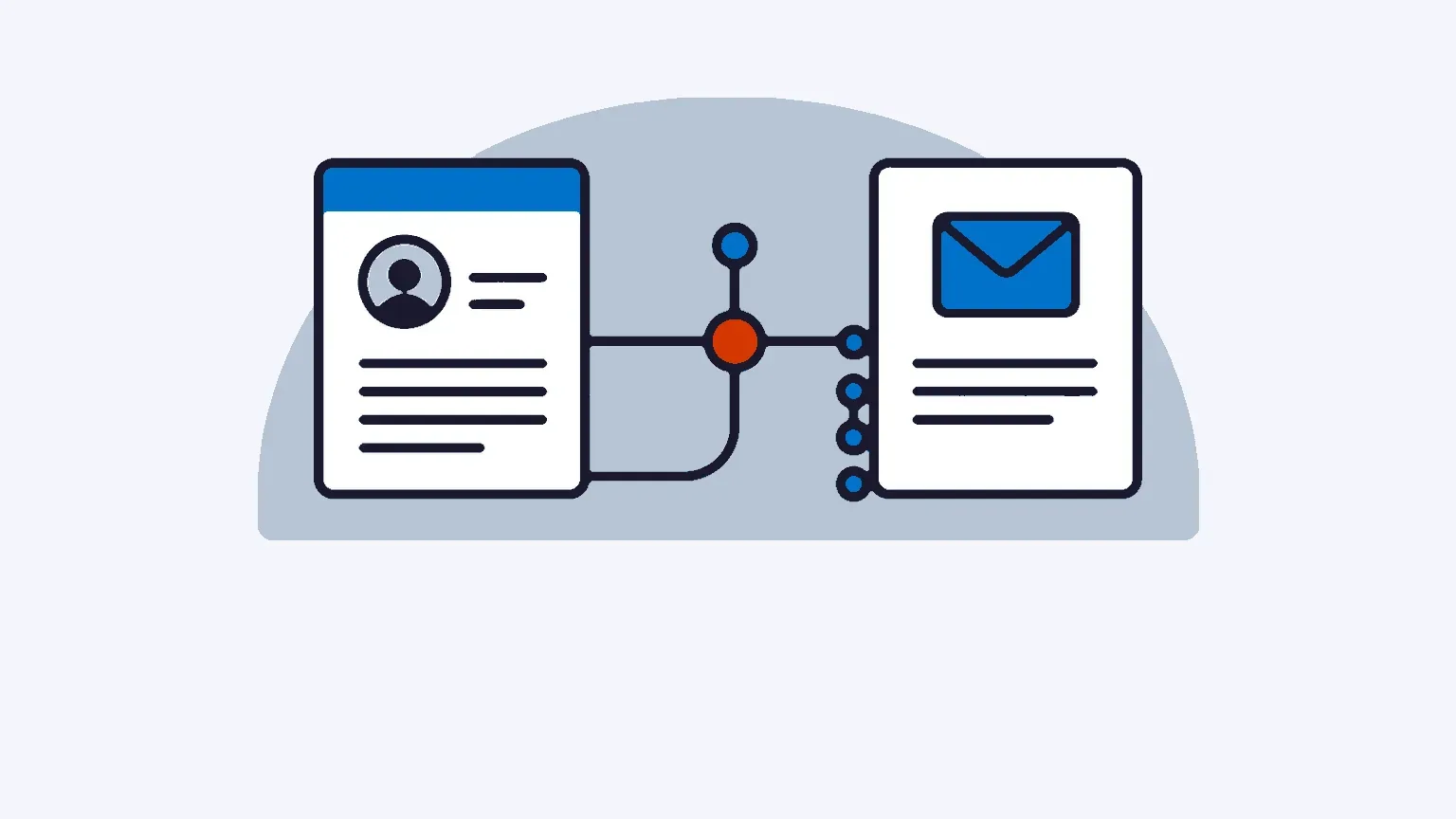
Many B2B companies have a CRM on one side and an emailing tool on the other. Both work, each in its own corner. Sales reps enter their contacts in the CRM, marketing exports an Excel file on Monday morning and imports it into the sending platform. It works, on the surface. But with every export, the data ages, unsubscribes get lost and segmentation stays crude.
Linking these two building blocks changes the game. Not to look modern, but because the sales data sleeping in your CRM is exactly what makes your campaigns relevant.
A CRM and an emailing tool do not do the same job
The confusion keeps coming up in searches: what is the difference between a CRM and emailing software? Both manage contacts, granted. But their roles diverge completely.
The CRM is the company’s commercial memory. It tracks the sales cycle, the history of exchanges, opportunities, revenue per account. It is the sales team’s tool. The emailing platform, for its part, handles bulk sending, deliverability, open and click tracking, unsubscribe management. It is the marketing team’s tool.
A CRM knows who to talk to. An emailing platform knows how to deliver the message to the inbox. Wanting one to replace the other leads to disappointment: a CRM that sends directly quickly hits deliverability limits, with no dedicated IP and no fine-grained management of sender reputation. Conversely, an emailing platform on its own knows nothing about the commercial context of each contact.
Integration is precisely about making these two logics talk to each other. The CRM brings the context, emailing brings controlled sending capacity.
Two databases that ignore each other cost a lot
Working with siloed data generates silent losses. According to Salesforce, barely 31% of marketing managers say they are satisfied with their ability to unify customer data (State of Marketing, 9th edition, 2024). In other words, two marketers out of three run their campaigns with a partial view of their contacts.
The problem is first of all mechanical. A contact becomes a customer in the CRM, but stays a “prospect” in the emailing tool for three weeks, until the next export. A recipient unsubscribes on the emailing side, the information never reaches the CRM, and a sales rep calls them back without knowing. Every manual operation introduces duplicates, typing errors, version gaps.
In France, the subject is far from settled. According to INSEE, 25% of companies with ten or more employees used a CRM tool in 2023, compared with 47% for ERP systems. CRM adoption is growing, but remains a minority, and integration with marketing tools is rarer still. The sales data exists, it is simply poorly exploited.
This often comes down to an inherited organisation: the CRM belongs to sales, emailing to marketing, and nobody owns the bridge between the two. As a result, the same export-import is repeated every month, with its share of losses.
What synchronisation changes in concrete terms
When the CRM and the platform feed a common database, segmentation stops being painstaking work. Sales fields become targeting criteria: industry, account size, pipeline stage, date of last purchase, engagement score. You can address a different message to a cold prospect, an active customer and an account in its renewal phase.
The effect on performance is documented. Mailchimp’s reference study, conducted on more than 11,000 campaigns, shows that segmented sends generate on average 14.3% more opens and, above all, a doubled click rate compared with bulk sends, with fewer unsubscribes. McKinsey, for its part, estimates that well-executed personalisation brings between 10 and 15% of additional revenue depending on the sector. These figures are not pulled out of a hat: they rest on the quality of the data feeding the targeting, and therefore on that of your CRM.
That is the whole point of contact database management connected to your sales activity: segmentation is built on living data, not on a frozen file. A contact whose status changes on the CRM side automatically moves into the right segment on the emailing side.
Personalisation follows the same logic. Inserting a first name is the bare minimum. Adapting the content, the offer and the sending moment to the contact’s real stage in their journey is what distinguishes an effective B2B campaign from a generic send.
Triggering the right email at the right moment of the sales cycle
This is probably the most telling benefit of integration. Once the two tools are synchronised, an event recorded in the CRM can trigger an email automatically.
A few concrete B2B scenarios:
| Event in the CRM | Email triggered |
|---|---|
| New lead created | Welcome and qualification sequence |
| Quote sent, no reply for 7 days | Contextualised follow-up |
| Status changed to customer | Onboarding and getting-started email |
| High engagement score | Alert to the sales rep + premium content |
| 90 days of inactivity | Reactivation campaign |
Lead scoring comes into its own here. By crossing the behavioural signals from emailing (opens, clicks, visits) with CRM data (job title, industry, budget), you prioritise the prospects who deserve a sales call. Sales teams already spend little time selling: according to Salesforce, barely a third of their day. Sending them leads sorted by maturity, rather than a raw list, changes their productivity.
This type of automation requires a solid marketing automation foundation capable of reading triggers and chaining actions without human intervention. Without CRM integration, these scenarios remain theoretical: the emailing tool simply does not know that a quote has been sent.
Three ways to connect your CRM to your emailing platform
Integration is by no means a project reserved for large accounts. Three approaches exist, to be chosen according to your stack and your volumes.
The native connector. Some platforms offer direct integration with the most widespread CRMs. It is the simplest solution: you authorise the connection, map the fields, and synchronisation runs. Ideal when your CRM is on the list of planned integrations.
The API. For an in-house CRM or specific needs, the API allows tailor-made synchronisation: which fields are transferred, in which direction, how often. It is the most flexible option, and it requires a little development. A platform with an open API and connectors to business tools covers the vast majority of cases, including through no-code automations such as Zapier.
The middleware. Automation platforms such as Zapier or Make act as intermediaries between two tools that do not talk to each other natively. Handy for getting started fast, without writing a line of code, on moderate volumes.
What these three routes have in common: precisely defining which data is authoritative. If an email address is modified in the CRM and in the sending tool, which of the two versions wins? This synchronisation rule, decided upfront, avoids many inconsistencies.
Synchronisation, a condition of your GDPR compliance
It is often forgotten that CRM-emailing integration is not just a marketing convenience. It is a compliance matter.
In B2B, email prospecting can rest on legitimate interest as long as the solicitation relates to the recipient’s job function, as the CNIL, the French data protection authority, reminds us. But this legal basis comes with a firm obligation: every message must make it possible to object simply and free of charge to any future solicitation. And an objection, once expressed, must be respected everywhere.
This is precisely where silos become dangerous. A prospect unsubscribes from one campaign, but remains active in another sequence run from the CRM, and keeps receiving emails. The CNIL has already sanctioned this type of failure. Without synchronisation, the unsubscribe recorded on one side does not exist on the other.
A well-built integration instantly propagates objection requests between the two tools. Consent and unsubscribe management is centralised, instead of being scattered across lists that drift apart. For a French company keen to respect the framework, data hosting in France and clean synchronisation go hand in hand. Compliance is not a brake on B2B emailing, it is its lasting condition, as our guide to B2B email marketing reminds us.
Succeeding with your integration without building a monster
Connecting two tools is not enough. The quality of the integration comes down to a few simple principles.
Start by cleaning before synchronising. Plugging a CRM full of duplicates and obsolete addresses into your sending platform only propagates the mess. A sweep of the database, upstream, is better than a synchronisation that spreads errors.
Next, define a reasonable number of synchronised fields. There is no need to transfer everything. The criteria that are really useful for targeting, status, score, date of last interaction, are enough in the vast majority of cases. Too many fields means more maintenance and more risk of error.
Finally, check the direction of synchronisation. Some data must flow from the CRM to emailing, other data the other way. Opens and clicks, for example, are meant to enrich the CRM to feed sales scoring. Mapping these flows avoids loops and data overwrites.
A successful integration can be recognised by one sign: nobody does manual export-import any more. Data flows, marketing targets accurately, sales reps receive qualified leads, and unsubscribes are respected everywhere. It is less spectacular than a new tool, but it is what separates an amateur B2B emailing strategy from an approach that converts.
Frequently asked questions
What is the difference between a CRM and an emailing tool?
The CRM manages the commercial relationship: pipeline, opportunities, history of exchanges, revenue per account. The emailing tool manages campaign sending: deliverability, tracking, unsubscribes. The first knows who to talk to, the second knows how to deliver the message. The two are complementary, not interchangeable.
Do you need a CRM before doing B2B emailing?
No, you can start an emailing strategy without a CRM. But as soon as the database grows and the sales cycle lengthens, the absence of a CRM limits segmentation and personalisation. Connecting the two then becomes a real performance lever, especially in B2B where commercial context matters enormously.
How do you synchronise contacts between a CRM and an emailing platform?
Three methods exist: the native connector when your CRM is supported directly, the API for tailor-made synchronisation, or a no-code middleware such as Zapier. In all cases, define which data source is authoritative to avoid version conflicts between the two tools.
Is CRM-emailing integration useful for an SME?
Yes, and perhaps more so than for a large account. An SME often has few marketing resources. Automating synchronisation and campaign triggering frees up precious time, while improving the relevance of sends. The return on investment is quick.
Is synchronisation mandatory under the GDPR?
The GDPR does not technically require you to connect your tools, but it does require that any objection to prospecting be respected. If an unsubscribe recorded in emailing does not reach the CRM, you risk continuing to solicit a contact who has objected. Synchronisation is the most reliable way to meet this obligation.
Related articles
Customer onboarding by email: building a sequence that converts
An onboarding email sequence takes a new B2B customer from Day 0 to Day 30: timeline, examples by sector, the metrics that matter and the legal framework.
13 min read B2B email marketingMarketing automation: definition, how it works and B2B guide
Marketing automation triggers emails and SMS on each contact's behaviour. In B2B it shortens long sales cycles, aligns marketing and sales, and saves days.
11 min read B2B email marketing5 common marketing automation mistakes
Workflows launched without a strategy, a neglected database, ignored sending pressure, stale scenarios, overlooked GDPR: five mistakes and how to fix them.
7 min read Email marketing tipsEmail marketing: harness the potential of your clickers
Clickers are the contacts who already showed interest. How to harness their potential with targeted follow-ups, and turn a click into a conversation.
18 min read